What a shared device is
A shared device is a company-owned phone, tablet or handheld that several people use, usually one after another. Typical cases are scanners in a warehouse, ward tablets in a hospital, store devices in retail and tablet carts in schools. The device belongs to the organization and stays at the site, while the people using it change with each shift.
Because the device is company-owned, it is enrolled as fully managed, the same as other company-owned devices. The difference is in how users are handled.
How DeepManage handles shared use
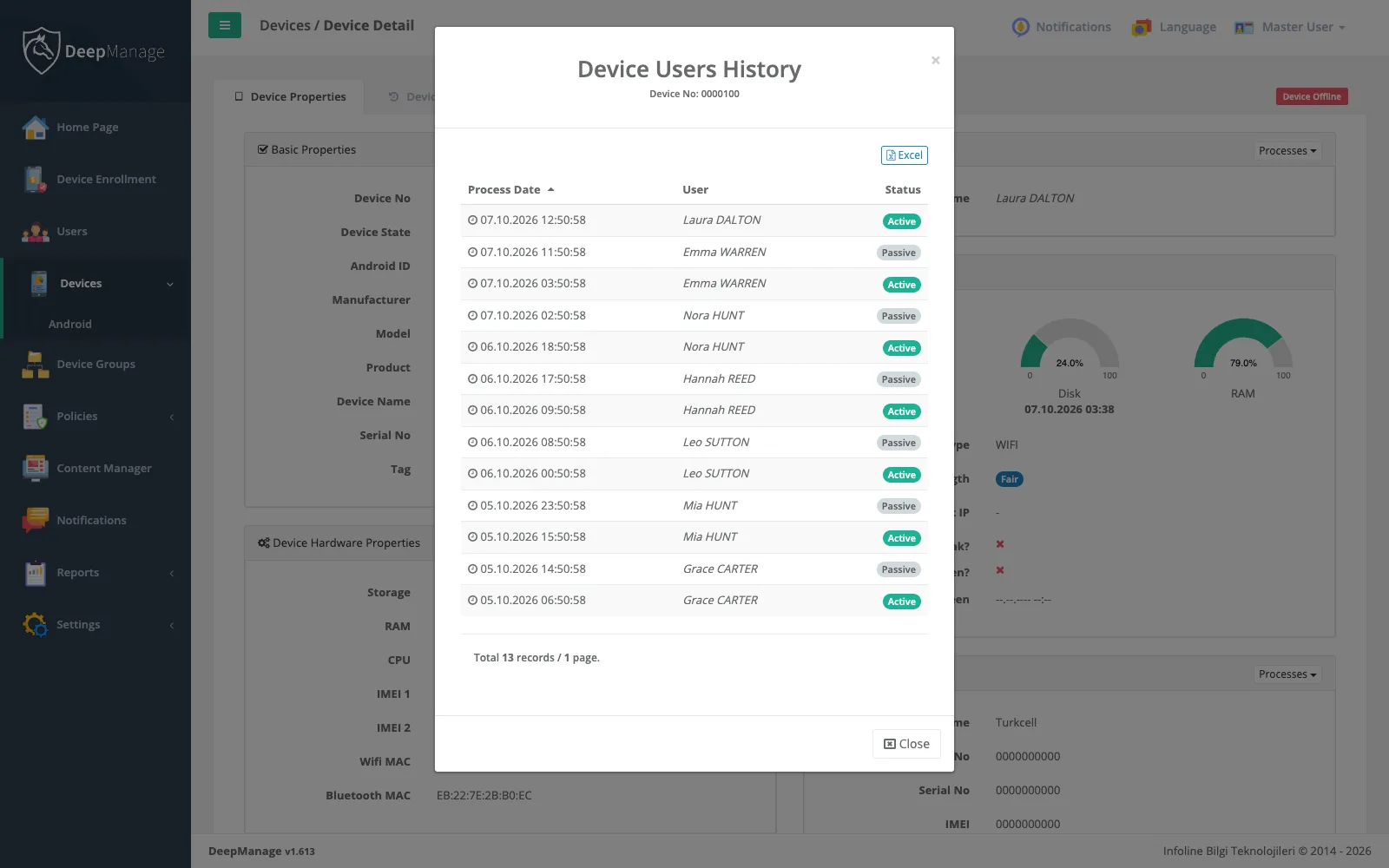
DeepManage keeps a shared device as a single managed device and adds a user layer on top:
- Sign-in screen: a policy can require a DeepManage sign-in after every restart, or after a set time since the last sign-in. Until someone signs in, the device stays on the sign-in screen.
- Personal accounts: each worker signs in with their own user name and password. User accounts are managed in the console and can be linked to your directory, see identity and integrations.
- Sign-out and handover: a worker can sign out and pass the device on. If you want the device to stay with one account, the policy can hide the sign-out option.
- Watermark: the screen can show a watermark with the signed-in user’s name.
Combined with kiosk mode, the device offers only the work apps, whoever is signed in.
What DeepManage does not do
It is worth being clear about the limits. DeepManage does not create a separate Android user profile for each worker, and it does not wipe all app data automatically when a shift ends. Data left inside a business app is cleared in one of two ways: an administrator clears that app’s data from the console, or the app clears it when the user signs out. When you plan a shared-device rollout, check how each business app handles sign-out.
If a device needs a full reset, for example when it moves to another site, you can wipe it remotely and enroll it again.
Keeping shared devices in a known state
Shared devices drift quickly. A strict policy blocks the settings users tend to change, app management keeps the same app versions everywhere, and security and compliance rules restrict a device that falls out of line.
Where shared devices are common
Shared devices appear in transport and logistics, retail, healthcare and education. Read about the wider picture in device ownership models.