What problems it solves
Large organizations already have a user directory and a structure of regions, units and departments. An MDM that ignores them means double data entry, accounts that outlive employees and administrators with more access than they need.
- One source of users: the directory stays the master, and DeepManage follows it.
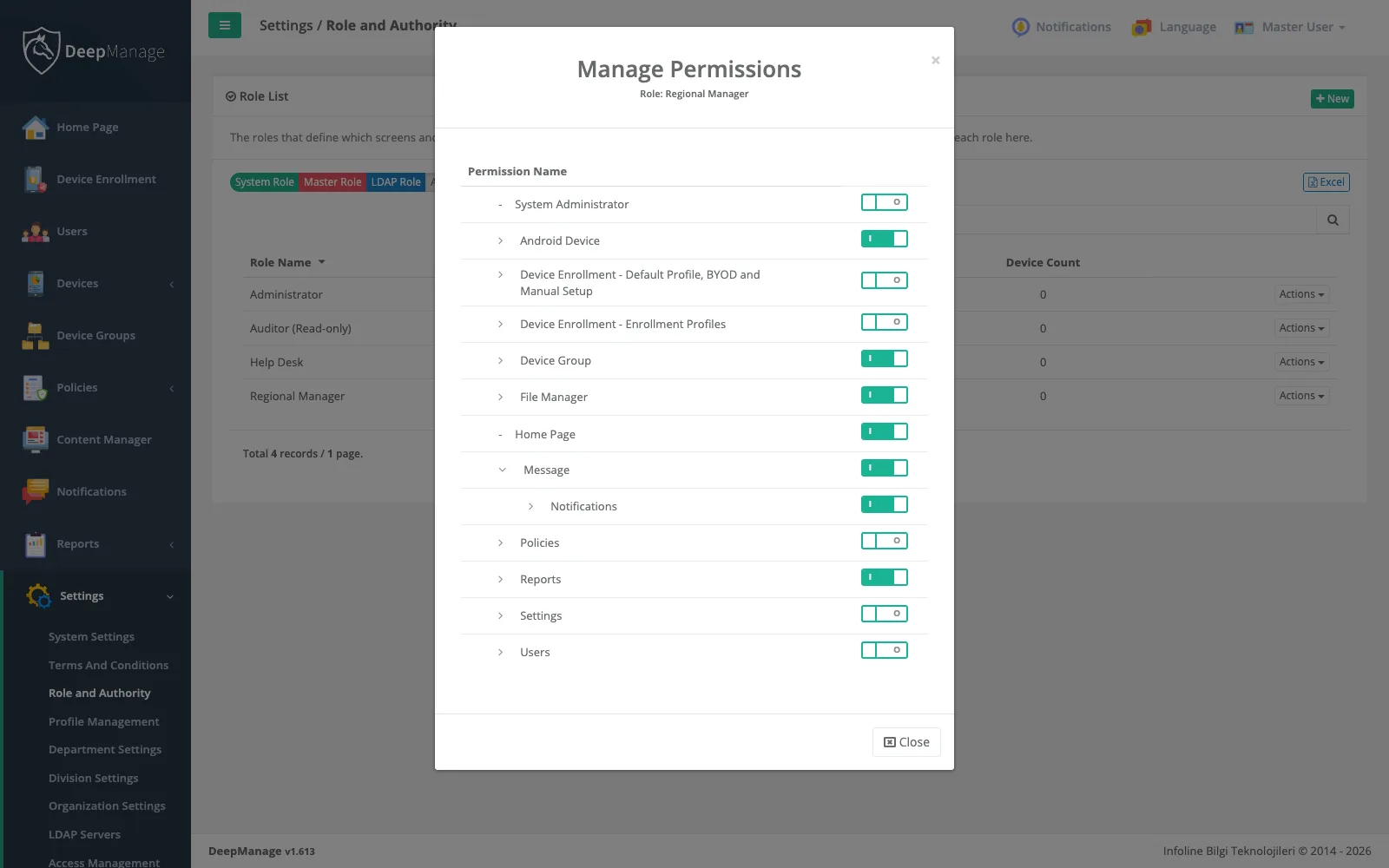
- Least privilege: each console user gets only the screens and actions their job needs.
- Connected systems: other software can read from and act on DeepManage.
Directory integration
Add an LDAP or Active Directory server with its address, service account, base DN and attribute mappings for user name, first and last name, e-mail and unique ID. A login test checks the settings before the first sync. Groups from the directory can become roles, profiles, divisions or organizations of the LDAP type, which stay read-only in the console so that the directory remains the master.
When a user is disabled in Active Directory, the next sync makes them passive instead of deleting them. Their console and device sessions end, and their devices become noncompliant under the rules on the security and compliance page. Enabling the user again in the directory reverses this.
Structure that drives targeting
| Element | Holds | Used for |
|---|---|---|
| Organization | Users and devices, in a hierarchy | Scopes, reports, enrollment profiles |
| Division | Users, in a regional hierarchy with an optional map area | Scopes, reports |
| Department | Users | Scopes, reports |
| Profile | Users with shared traits | Scopes, reports |
| Device group | Devices | Scopes, reports, enrollment profiles |
The same elements appear in the scope wizard for policies, content and notifications.
Tenants and deployment
Each tenant has its own address, such as yourorg.deepmanage.com in our cloud, and its own database. In an on-premises installation you can run several tenants on your own servers and use a central console to publish global policies, which apply after each tenant’s own policies, and system content that reaches the devices of every tenant.
Integrations
Access definitions hold a public and a private key and are tied to a console user, so an external system can only do what that user’s role allows. Because a key acts as a console user, the external system can call the same services the console uses, for example to read device lists into your own tools or to keep records in step with another system. In-house Android apps can receive push messages through the push API. Ask us for the integration details for your use case when you request a demo.