What problems it solves
A mobile fleet creates three security questions. Is this device really one of ours? What happens when its user should no longer have access? And if something goes wrong, what can we do and what can we prove?
- Trust: devices connect with their own certificate instead of a saved password.
- Reaction: compliance rules act on their own when a user is disabled or missing.
- Evidence: security logs, network logs and the console activity log show what happened.
Device identity and attestation
During enrollment the agent creates a key inside Android’s keystore, on newer devices in secure hardware. The server checks the key’s attestation, records the result and issues a device certificate that is valid for one year and renews itself. The device then signs in with that key, so no password is stored on the device.
If a device is lost or stolen, revoke its identity from the device detail. Its certificate goes onto the revocation list, its session and live connection are closed, and it can only come back through a new enrollment.
Compliance that acts on its own
Compliance in DeepManage follows the user lifecycle. A device becomes noncompliant when:
| Reason | Example |
|---|---|
| User is passive | Made passive in the console or disabled in Active Directory |
| User was deleted | The account was removed |
| Pairing is required | A userless device has no user, but your settings or policy require one |
For each organization you pick the action: report only, restrict (a temporary lock screen that lifts when the device is compliant again) or restrict and wipe managed data after a delay you set. Chosen administrators are notified, and the device list shows a noncompliant badge. User and directory settings are covered on the identity and integrations page.
Hardening with policies
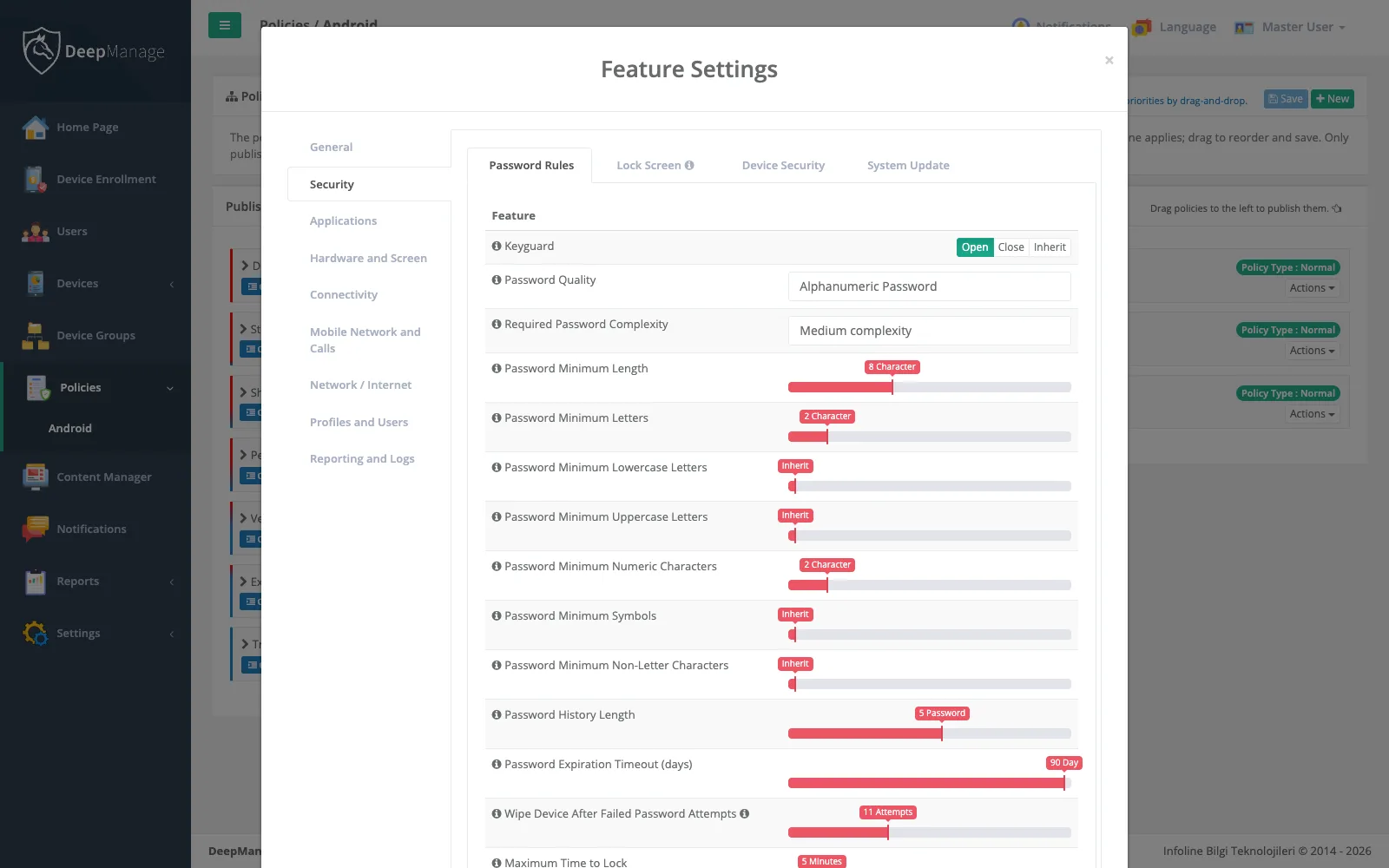
Most device security comes from policies: password length and complexity, a maximum number of failed attempts before a wipe, screen lock time, blocking USB debugging and unknown sources, screenshot control, a minimum Wi-Fi security level and a visible watermark. Policies can also block a device that has not reached the server for too long. To see a device’s screen while helping a user, use Live Control.
Personal data
Security logs, network logs and location history can identify a person. DeepManage collects the logs only when a policy turns them on, and you set how long each record type is kept. Tell employees what is collected and why, for example in the terms they approve at enrollment. Our KVKK and GDPR guide explains the basics. This is general information, not legal advice.